
Overview
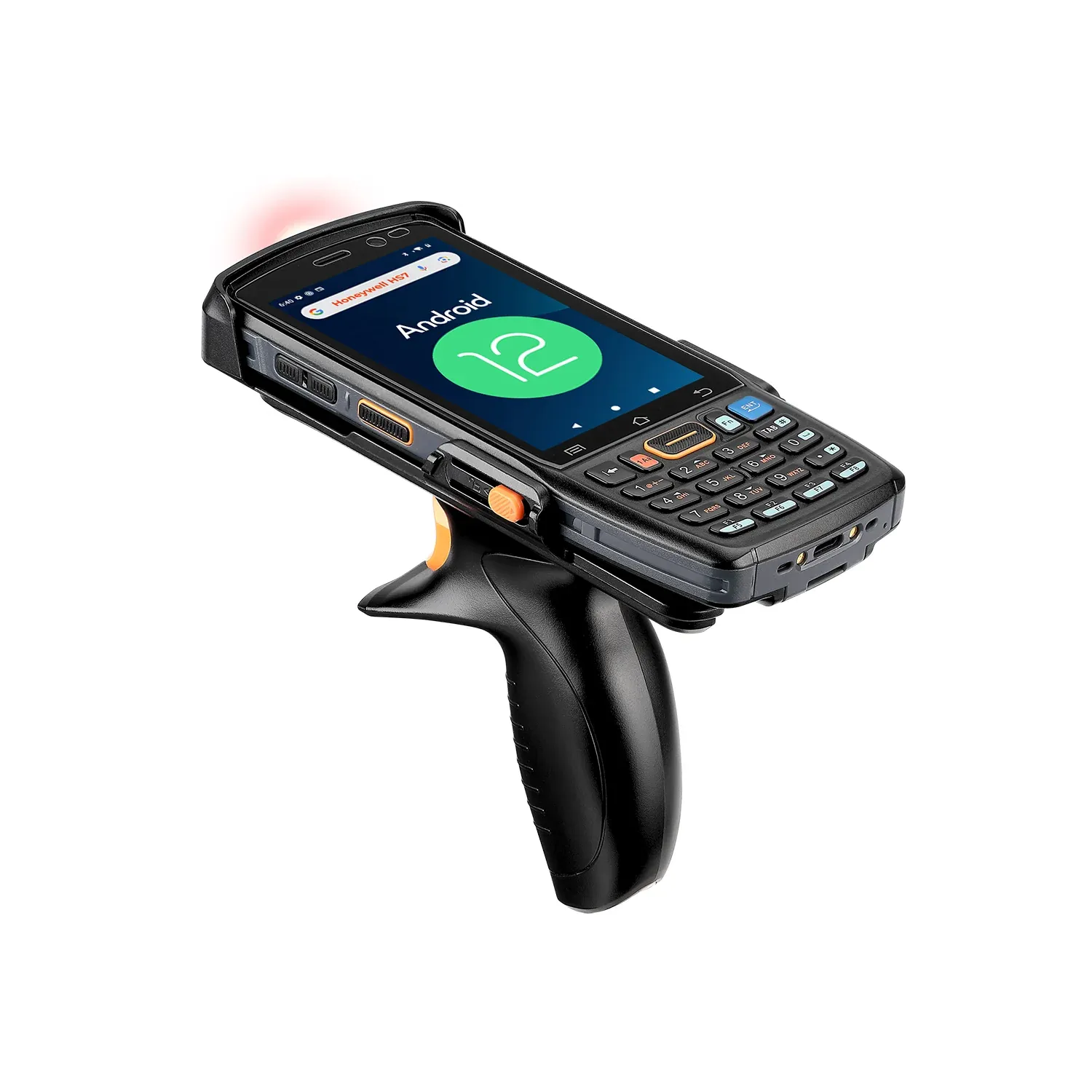
At SedationKit, we had a warehouse, but no easy way to manage inventory without manually finding projects on the WordPress site and updating the inventory there. One of the tasks I took on was to build a system to streamline this process. We bought a handheld barcode scanner, and I built a custom Android app using Godot that would connect to a REST API endpoint from my corresponding WordPress plugin.
Architecture
The system was an app that ran on an Android handheld barcode scanner and a REST API endpoint that ran as part of a plugin on the WordPress site.
Barcode App
Godot may seem like an odd choice for this project, but I was already familiar with building UI-heavy systems with it and knew it would build well for Android. Choosing Godot allowed me to use the knowledge I had from game development to get the app up and running quickly without needing to learn a new framework.
The app itself is rather simple; it is mainly UI controls for product search, and then a product edit page, where inventory counts and other product information could be updated. It features a user selection so that inventory changes could be attributed to the user who made them, and users are authenticated using App Passwords for the WordPress admin accounts. The app uses a few different HTTP requests to communicate with the REST API to search products by name or barcode, get product information, and update changes to the inventory. Updates to a product just send changes or deltas, instead of sending the entire product object. Changed values are stored in a dictionary and sent as a JSON payload with the request to update the product. This kept the requests small and allowed the server to update only certain fields on a product without reapplying unrelated product data.
WordPress Plugin
The WordPress plugin added a custom meta-field to products to store a barcode (until it became a default WooCommerce field) and set up an inventory REST API endpoint. The endpoint has two routes, one to get products and another to update them. Products and their variations are searchable by name, SKU, or barcode. The update endpoint targets a specific product ID and loops through the changes in the payload to update the corresponding fields on the product.
Results
This was a fun project to learn about setting up a REST API and selecting the information to send and receive in requests for updating product data. It was a unique application of my skills with Godot that was an enjoyable crossover between game development and work tasks. With the app in place on the scanner, the three admin users we had were able to start accurately tracking inventory for our small warehouse of roughly 1,500 units. It was no longer a tedious process of counting a product, running back to the computer to update it on the site, and then going back to put more products on the shelf when shipments came in.